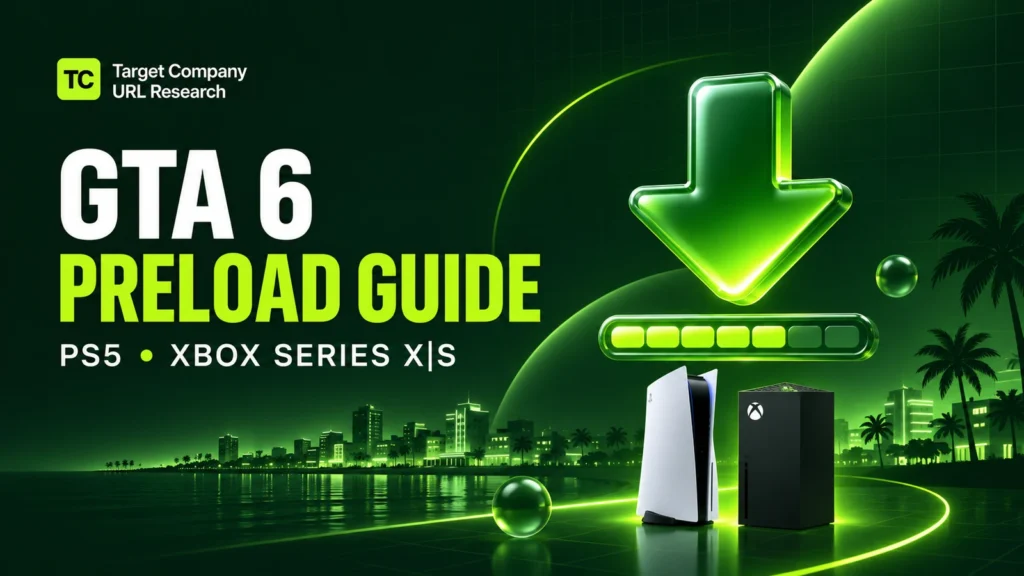
You can now preload GTA 6 on PS5 and Xbox Series X|S if you preordered a digital copy. Set aside up to 212 GB of free storage and start the download from your console’s game library. The files can install ahead of launch, and the game unlocks at midnight local time on November 19, 2026.
When did the GTA 6 preload start?
| Console | Digital preload start | When you can play |
|---|---|---|
| PS5 | Midnight local time on November 10 | Midnight local time on November 19 |
| Xbox Series X|S | Midnight GMT on November 10 | Midnight local time on November 19 |
The Xbox preload opened worldwide at the same moment. In the continental US, that was 7 p.m. ET, 6 p.m. CT, 5 p.m. MT, and 4 p.m. PT on November 9. PS5 preloads opened at midnight in each local time zone. Rockstar lists both schedules in its official GTA 6 preload FAQ.
How to preload GTA 6 on PS5
- Sign in with the PlayStation account you used to preorder the game.
- From the games home screen, open Game Library → Your Collection.
- Select Grand Theft Auto VI. If the game page offers Download, select it to start.
- To enable automatic downloading, open the release countdown and check the box next to Grand Theft Auto VI.
- Press the PS button and open Downloads/Uploads to check progress.
To keep downloading in Rest Mode, go to Settings → System → Power Saving → Features Available in Rest Mode and turn on Stay Connected to the Internet.
How to preload GTA 6 on Xbox Series X or Series S
- Sign in with the Microsoft account you used to preorder the game.
- Press the Xbox button and open My games & apps → See all → Full library → Owned games.
- Select Grand Theft Auto VI and choose Install or Install all, whichever appears.
- Open Queue under My games & apps to check the download.
If you want the Xbox to download automatically, turn on Keep my games & apps up to date under Settings → System → Updates. Leave the console on or set it to Sleep under Settings → General → Power options.
How much storage do you need for GTA 6?
Free up 212 GB before you start. PlayStation specifies that amount for PS5, while Rockstar says the preload can require up to 212 GB depending on the device. That figure refers to free storage needed for the preload. Your console’s download queue shows how much data it’s transferring.
On PS5, use the console’s internal SSD or a compatible M.2 SSD. If you’re short on space, you can move another game to USB extended storage and transfer it back when you want to play it.
On Xbox Series X|S, use the internal SSD or a compatible Storage Expansion Card. If you already have a USB drive, you can move another game there to free up space on the SSD.
If you’re still choosing a console, compare the total cost of the PS5 and PS5 Pro before budgeting for extra storage.
Can you preload GTA 6 with the boxed edition?
Yes, once you have the code. Rockstar expects retailers to begin shipping or offering pickup for the boxed Standard Edition on November 12. The box contains a digital download code and comes without a disc.
Redeem the code through the PlayStation Store or Microsoft Store using the account you plan to play on. Then open your console’s game library and follow the same download steps above.
What to do if the GTA 6 preload won’t start
- The game is missing from your library. Check your order history and confirm you’re signed in with the account that placed the preorder or redeemed the code.
- The download is stuck. Check the queue for other downloads, confirm you have enough space on the selected drive, and try pausing and resuming the download.
- The download finished, but the game is locked. The preload installs the game files in advance. You can launch GTA 6 when it unlocks at midnight local time on November 19.